
If the question is “WooCommerce vs Shopify?”, the short answer is: WooCommerce is a WordPress plugin that you own and fully control, while Shopify is a hosted platform with a monthly subscription. The right choice depends on the control, the cost and the flexibility you need.
There is no single best ecommerce platform for everyone: both platforms build good online stores. Below you will see the main differences in cost, ownership, design, SEO and maintenance, so you can decide with facts.
The WooCommerce vs Shopify choice is one of the most important decisions when you open an online store, because it affects the cost, the design and how easily you can change later. A wrong choice is not a tragedy, but moving later costs time and money.
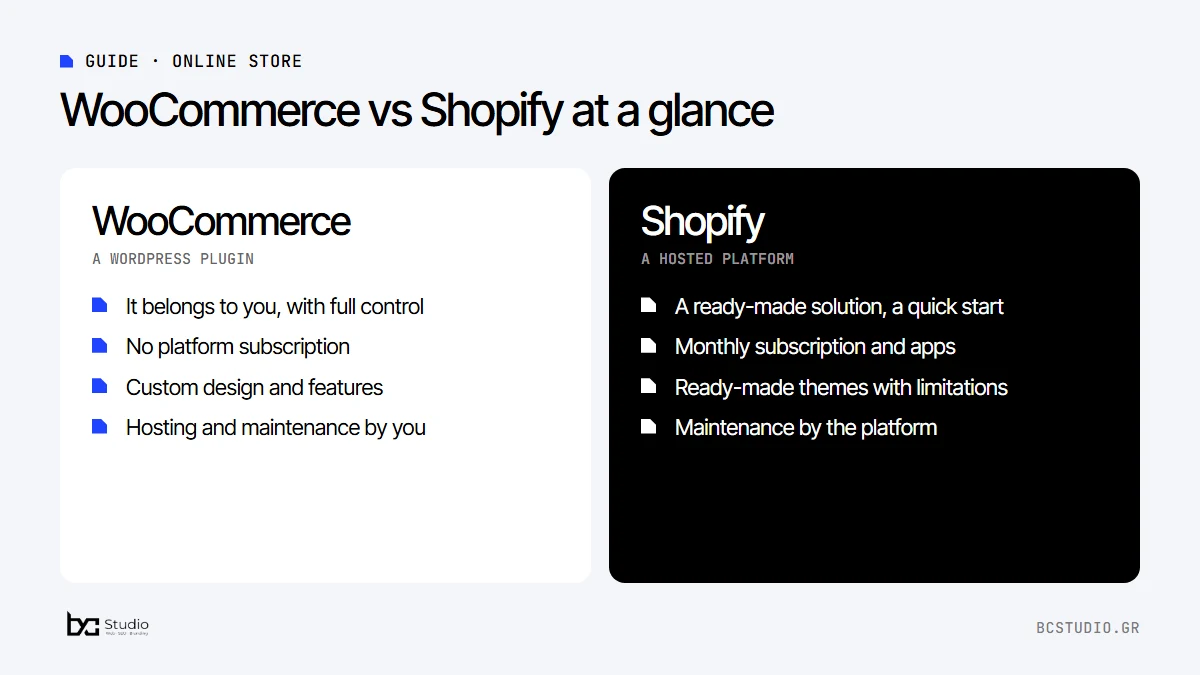
WooCommerce vs Shopify: the main differences
| Criterion | WooCommerce | Shopify |
|---|---|---|
| What it is | A WordPress plugin | A hosted platform |
| Cost | Hosting, domain, maintenance and plugins where needed | A monthly subscription and apps where needed |
| Ownership | Full control of your own files and data | It runs inside the platform |
| Design | Great freedom, custom design | Ready-made themes with limitations |
| Maintenance | Updates and backups by you or your partner | Handled by the platform |
See the official WooCommerce and Shopify websites for their current plans and features, because prices and terms change often.
WooCommerce vs Shopify: the real cost of an online store
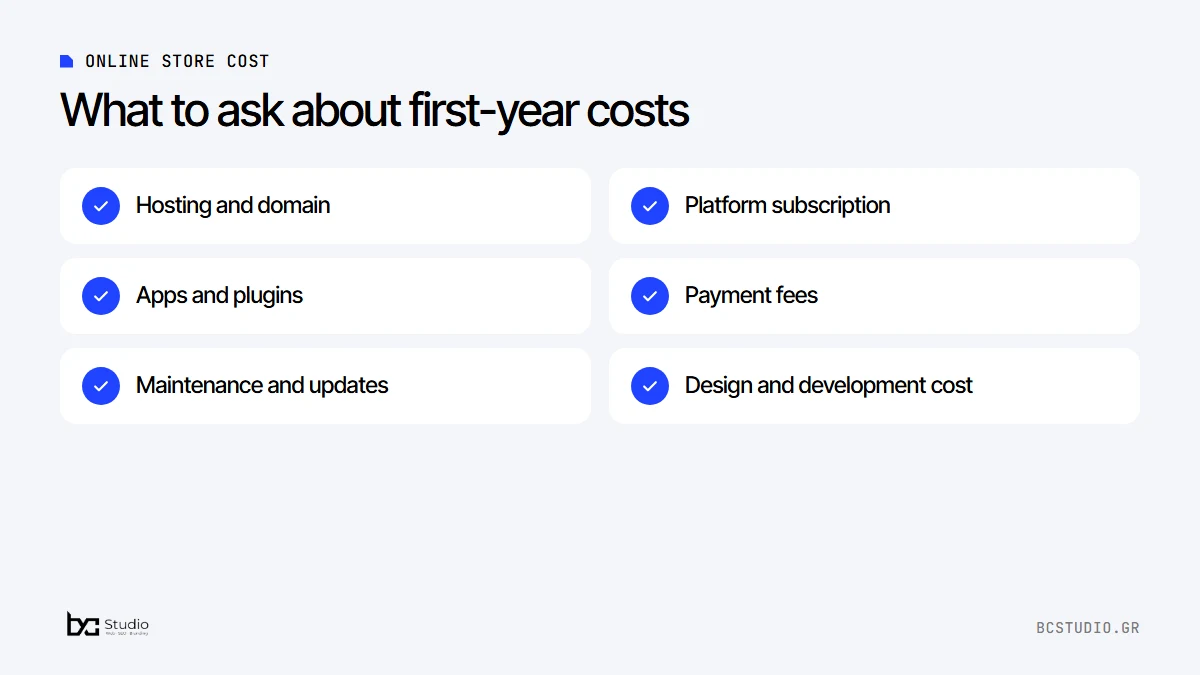
Do not judge only by the starting price. With Shopify you pay a subscription for as long as the store runs and often add apps for extra features. With WooCommerce there is no subscription, but you need hosting, a domain and periodic maintenance. Ask every provider for the total cost of the first year.
Hidden costs. Ask about apps, plugins, payment fees and maintenance costs before you decide.
WooCommerce or Shopify: ownership, design and flexibility
With WooCommerce the store sits on your own hosting: you can move it, change partners and customize anything. With Shopify you rely on a platform run by the company itself: less to look after, but also less control.
In design, WooCommerce lets you build something unique, while Shopify offers ready-made themes that work well, with more limited customization. If your brand image is part of the sale, this matters.
Shopify vs WooCommerce for SEO and flexibility
For an online store, SEO is not only about the home page but about categories and products. With WooCommerce you fully control the URL structure, the meta details and the structured data, and you can customize anything. Shopify offers a ready-made, clean base that is enough for many stores, with more limited customization. For the basics of SEO, see the guide website SEO in 7 steps.
If you care about a design that stands out or special features, such as courier integrations and electronic invoicing, the flexibility of WooCommerce helps.
Payments, shipping and invoicing
Both platforms connect to payment services and courier companies. The availability of specific providers and the fees differ, so check what is supported for your country before you decide. If you need cash on delivery, local couriers or a connection to your accounting software, make sure a ready-made solution exists and that it does not add extra monthly costs.
WooCommerce or Shopify: the best ecommerce platform for you
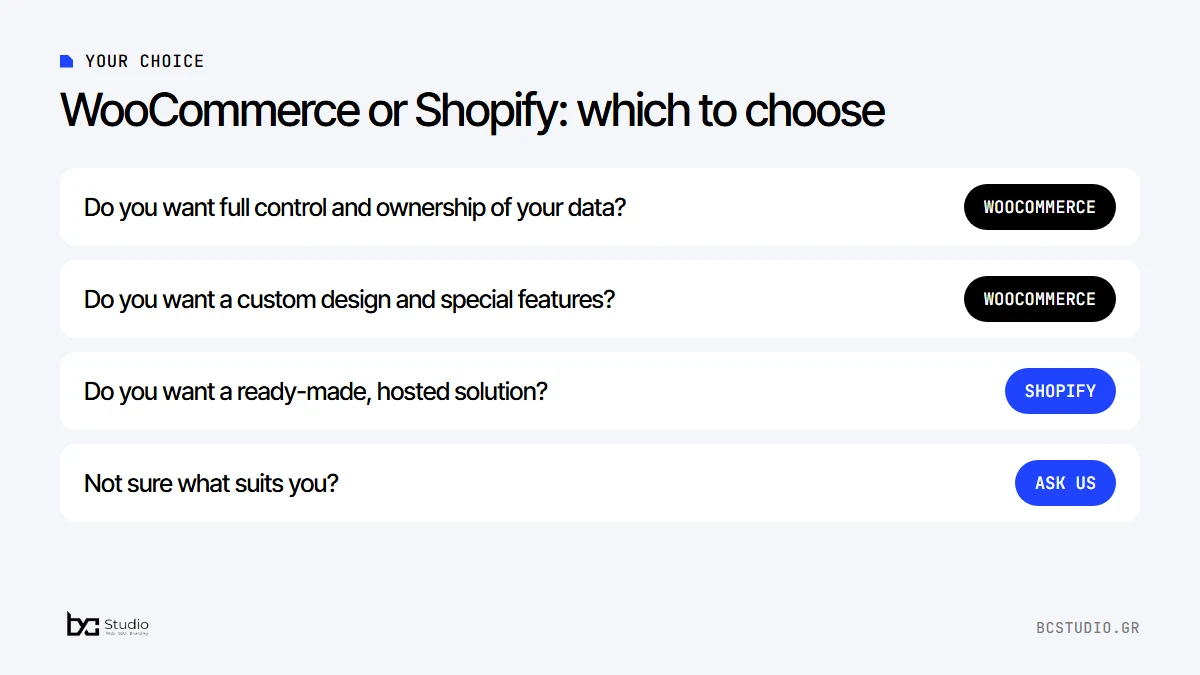
- You want full control and ownership of your data: WooCommerce.
- You want a custom design and special features: WooCommerce.
- You want a ready-made, hosted solution with less technical management: Shopify.
- You are not sure about WooCommerce vs Shopify: tell us what you sell and we will suggest.
Five questions before you decide
- Who will take care of updates, backups and the security of the store?
- How easily can you change prices, offers and products in bulk?
- Is there support in your language when something does not work?
- What will the extra features you will need in a year cost, not just today?
- Will you be able to take your data and leave if you decide to?
If the answers seem difficult, that is normal. An experienced partner can answer them based on your own products and the way you sell.
Three examples of choosing
A store with few products and a strong image. A brand that sells ten products and wants a unique design and a story around each one fits WooCommerce better, where the design is not limited by ready-made themes.
A store that wants to start quickly. A business that wants to open in a few days, with a ready-made payment solution and no technical care, may prefer Shopify.
A business with a physical shop and special needs. If you need a connection to your accounting software, special prices per customer, or a website that is both a company presentation and an online store in the same place, WooCommerce on WordPress makes things simpler.
If you change platform later
Moving from one platform to another is possible, but it needs a plan: migrating products and customers, redirecting old URLs to the new ones and checking that the SEO details stay the same. If you do it without a plan, you may lose your position on Google. That is why the right choice from the start saves time and money.
At BC Studio we build online stores in WooCommerce, because it gives our clients ownership, flexibility and a stable cost. If it suits your store, we will say so. If not, we will tell you that too.
Thinking of opening an online store?
Tell us what you sell and we will send you a written quote, free and without commitment.
WooCommerce vs Shopify: frequently asked questions
Which is cheaper in WooCommerce vs Shopify?
It depends on the store. Shopify has a monthly subscription and often extra apps. WooCommerce has no subscription, but needs hosting, a domain and maintenance. Compare the total cost over a year, not just the starting price.
Can I change platform later?
Yes, but the migration takes work on products, pages and SEO. That is why it is worth choosing well from the start.
Shopify vs WooCommerce: which is better for SEO?
Both platforms can do good SEO. WooCommerce gives more control over structure and technical details, while Shopify offers a more ready-made base.
WooCommerce or Shopify: which suits a small business?
If you want full control, ownership of your data and flexibility in design and features, WooCommerce is usually a good choice. If you prefer a ready-made, hosted solution with less technical management, Shopify fits.
Do I need technical knowledge to manage the store?
Not for day-to-day work such as products and orders. Both platforms have a simple admin area. Technical updates and security are easier on Shopify, while on WooCommerce you or your partner handle them.
Can I move my store from Shopify to WooCommerce?
Yes. Products, categories and customers can be migrated, as long as you take care of URLs and redirects so that you do not lose your position on Google.
How much does it cost to build an online store?
Ecommerce website development in WooCommerce starts from €800 + VAT and depends on the products and integrations. See the prices or the ecommerce website development service.
See what ecommerce website development in WooCommerce includes and the prices of our packages. If you want to see how much a website costs overall, read the guide on how much a website costs in Greece.